Gemini Omni 1.2 Flash: 15-Second AI Video at 7 Cents a Second

Amir Farid
7 min read
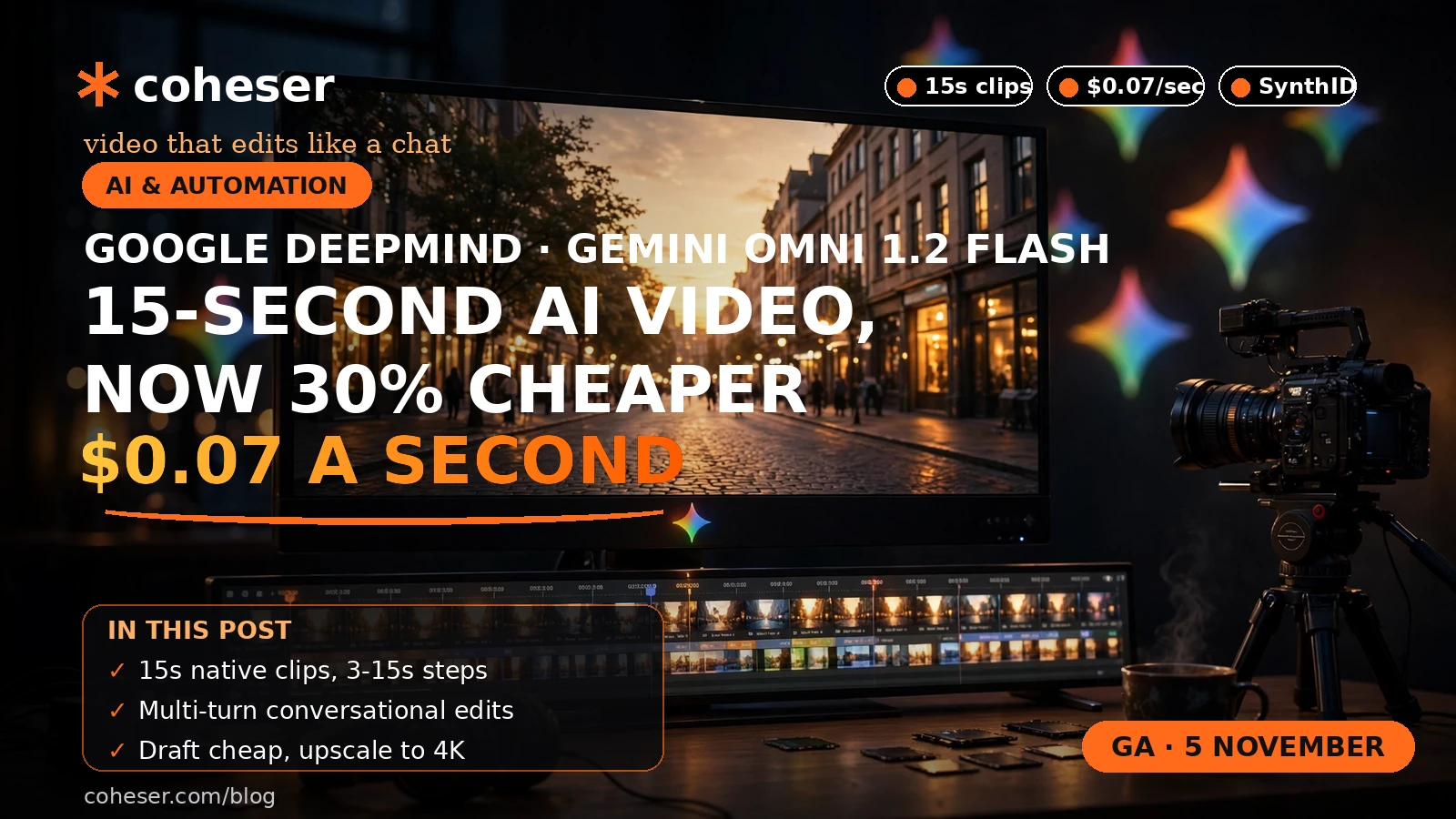
Google DeepMind released Gemini Omni 1.2 Flash on 5 November 2026, and it is now generally available on the Gemini API and Gemini for business on Google Cloud — the first Gemini Omni model to reach general availability. It generates and edits native video up to 15 seconds long, up from 10 seconds in Omni 1.1, at $0.07 per second for 720p video, a 30% cut on the previous model. A full 15-second 720p clip costs about $1.05 at the headline rate. For marketing teams, the change is the maths: short video is now cheap enough to draft and discard.
What Gemini Omni 1.2 Flash actually is
Gemini Omni 1.2 Flash is Google's native video generation and editing model. "Native" matters: it generates and edits video directly, rather than bolting a video tool onto a text or image model. You can generate a clip from a prompt or edit an existing clip with a follow-up instruction in the same session.
The headline upgrade over Omni 1.1 is duration: clips now run up to 15 seconds, with length selectable in one-second increments from 3 to 15 seconds. Google also says reference following has improved, so the model sticks closer to the image or brand asset you supply. Treat quality claims as Google's own until you test the model on your own footage.
The cost maths, in plain numbers
At $0.07 per second for 720p video, the cost of a clip is simple arithmetic:
| Clip length | Cost at $0.07 per second (720p) |
|---|---|
| 5 seconds | $0.35 |
| 10 seconds | $0.70 |
| 15 seconds | About $1.05 |
Google calls this a 30% cut versus Omni 1.1 but printed no old price, so roughly $0.10 per second is implied arithmetic, not a quoted price. On a token basis, Google prices the model at $12 per million tokens, and a second of video uses 5,792 tokens — roughly $1.04–$1.05 for a 15-second clip. Both figures are arithmetic, not a measured invoice.
The expensive part is no longer the rendering; it is the thinking — the script, the prompt, the brand judgement. Treat the low price as a reason to test more ideas, not to skip planning. Our guide to AI agents for small business automation sets out the same discipline.
What 15 seconds actually buys you
Fifteen seconds is the length of a social ad, a product teaser, a website hero loop or a WhatsApp status video. The practical uses are narrow and repeatable: a product shot that moves, a feature demonstration, a seasonal offer.
The one-second increments matter. A 3-second clip is a loop; a 7-second clip is a single idea; a 15-second clip is a small story with a beginning, a middle and a call to action. Pick the exact length and you pay for no seconds you do not need.
Multi-turn editing: the real cost saver
Multi-turn conversational editing may change your workflow most. Instead of regenerating a clip from scratch, you refine the same clip through follow-up edits: change the background, swap the product colour, tighten the framing. Each round builds on the last.
One open question before budgeting: Google's announcement does not state whether multi-turn follow-up edits bill as new seconds. If each refinement round is charged as fresh generated seconds, a clip refined five times could cost five times the headline price. Check the billing on your first jobs. Our breakdowns of AI calling agent costs and WhatsApp chatbot costs follow the same rule.
Google's customer quotes from Artlist, FLORA, invideo, Photoroom and QuickFrame are marketing quotes, not independent benchmarks.
A workflow that keeps the bill small
Draft cheap, refine in conversation and upscale only the winners.
1. Draft at low resolution
Start at 360p or 720p and generate several rough versions of each concept. At $0.07 a second, ten 10-second drafts cost about $7.00.
2. Refine the best one in conversation
Pick the strongest draft and refine it with follow-up edits rather than starting again. Keep prompts specific and note which prompt produced which version.
3. Upscale only the winners
Once a clip is approved, upscale it to 1080p or 4K — but only for clips that will actually run.
4. Keep a human in the loop
Check every clip before it goes out: AI video can invent details, and the cost of a wrong clip reaching customers far exceeds the cost of generating it. Our guide to RAG chatbots makes the same point.
Provenance: every clip carries a SynthID watermark
Every output carries an imperceptible SynthID watermark — Google's system for marking AI-generated content, embedded in the video in a way viewers cannot see but detection tools can find. For a business, that is a practical advantage: you can prove a clip came from your AI workflow if anyone asks.
The rules around AI-generated video are still forming, and the safest position is transparency. Tell your audience when a clip is AI-generated, keep the original prompts and records, and do not use AI video to fake something that never happened. Our guide on AI training opt-outs covers the neighbouring question of what happens to content once it is published.
Where to use it — and where not to
The strongest uses are where short video already earns its keep: product videos, paid social ads, website hero loops, WhatsApp and messaging content, and quick seasonal clips. For real estate lead follow-up or WhatsApp commerce for retailers, a short clip can be the difference between a message that is opened and one that is ignored.
The weak uses ask 15 seconds to do a job it cannot do. Do not use it for testimonials from real customers, for footage that claims to show a real place or event, or where the audience expects the video to be a true record. If a customer needs to see the true colour or scale of what they are buying, a photograph or real video still wins.
Access routes and the fine print
Gemini Omni 1.2 Flash is available through the Gemini API, Google AI Studio, the Google Cloud console, Flow, Google Vids, the Gemini app and Google Ads. Google Vids offers 15-second clips at no additional cost with a Google account or a Google Workspace subscription. The Gemini app offers it to Google AI Ultra subscribers on a gradual rollout.
Two limits deserve attention. First, on the API the model is on the paid tier only; the free tier is unavailable. Second, Provisioned Throughput is available for enterprise customers on Google Cloud. For context, see our coverage of Gemini 4 Argon pricing and Gemini 4 Carbon for cybersecurity.
Google has been moving quickly — from Genie 4's world models to governed AI agents and benchmarks such as GDPx. If you want help building a workflow around this release, talk to Coheser. See also our work on scaling a SaaS MVP without rebuilding and custom software development costs in the UK.
Frequently asked questions
How much does a 15-second Gemini Omni 1.2 Flash clip cost?
About $1.05 at the headline rate of $0.07 per second for 720p video — or roughly $1.04 on the token basis Google publishes ($12 per million tokens at 5,792 tokens per second). Both are arithmetic, not a measured invoice.
Can I edit a video instead of generating a new one each time?
Yes. Multi-turn conversational editing lets you refine the same clip through follow-up instructions instead of regenerating from scratch, and Google says reference following has improved, so the clip should stay consistent across rounds.
Is Gemini Omni 1.2 Flash free to try?
Not through the API: the model is on the paid tier only. You can try 15-second clips at no additional cost in Google Vids with a Google account or a Google Workspace subscription; Google AI Ultra subscribers get access through the Gemini app on a gradual rollout.
How do I know if a video was made with AI?
Every output carries an imperceptible SynthID watermark, Google's system for marking AI-generated content. It is not visible to viewers, but it can be detected by tools built to look for it. That helps with provenance — but if a clip is AI-generated, say so.
Where can I read Google's announcement?
Google's own announcement is the source for the facts in this post. Read it in full at Google's introduction of Gemini Omni 1.2 Flash. Vendor claims there are Google's own, not independently verified facts.