Offline Voice AI on Your Phone: Google's On-Device Speech for Business

Amir Farid
7 min read
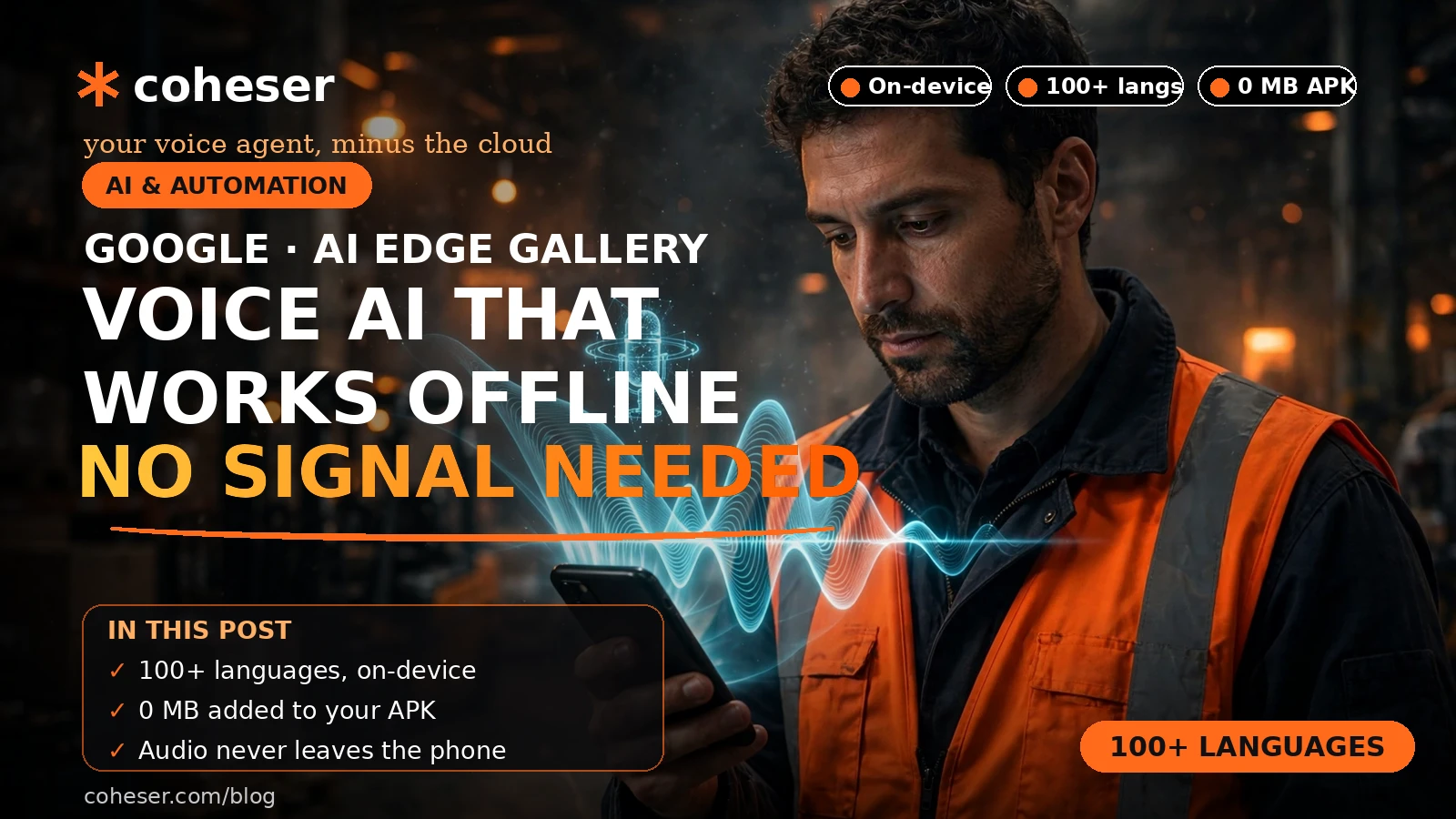
Your phone can now listen and speak with no internet connection. On 10 November 2026, Google added offline on-device speech recognition and text-to-speech to Google AI Edge Gallery, so an app can transcribe what you say and answer out loud without sending audio to a server. For a business, that means voice features that keep working where there is no signal — and no per-minute cloud bill.
This is not a replacement for cloud voice agents. It is a second option, and knowing which jobs belong on the device and which belong in the cloud is the whole decision.
What Google actually announced
Google AI Edge Gallery is Google's showcase for running AI models directly on a phone. The 10 November 2026 update adds automatic speech recognition (ASR) and text-to-speech (TTS), both entirely on the device — covered by Let's Data Science, summarising Google's developer blog.
Android developers use ML Kit; cross-platform apps use MediaPipe Tasks and LiteRT. The speech models pair with on-device small language models such as Gemini Nano and Gemma 4, so a phone can hear a question, answer it and speak it back. Google's demos include XR Language Teacher and AI Chat voice input.
The Android route: ML Kit speech built into the OS

On Android, the speech models are not something your app downloads. Google says both are integrated into the operating system through AICore and add 0 MB to an APK.
Speech recognition: fast and multilingual
ML Kit's speech recognition covers more than 100 languages, according to Google, runs at 10x real-time speed, and Google reports a word error rate of 8.0 to 9.0% on FLEURS. Transcription takes about 300 milliseconds per three seconds of speech, and for speech translation, Google says end-to-end wait times fall by 35 to 44%.
Read those figures as vendor claims: Google's numbers, measured on Google's test set, not independently verified. An 8 to 9% error rate means roughly one word in twelve is wrong — so design your app so a misheard word is a minor annoyance, not a lost order. Our Nemotron Transcribe coverage makes the same point.
Text-to-speech: speaking in about 100 milliseconds
ML Kit's TTS uses a few-step diffusion model that starts speaking in about 100 milliseconds, producing 24 kHz audio at up to 50x real-time speed. There are eight expressive voices across 21 locales, and Google says a 27-second paragraph synthesises in about 500 milliseconds. Active power drops by more than 50% versus traditional autoregressive TTS models.
That speed is what makes on-device speech feel like a conversation: an answer in a tenth of a second feels present; two seconds feels broken. Battery matters too — a delivery driver's phone running voice guidance all day cannot afford a speech engine that drains it by lunchtime. Our AI calling agent cost guide for 2026 shows the cloud-side numbers.
The cross-platform route: MediaPipe Tasks and LiteRT
For cross-platform apps, Google offers the speech models through MediaPipe Tasks and LiteRT: Parakeet-TDT 0.6B for ASR, and PocketTTS 100M, Kokoro-82M and Phonon 31M for TTS. Each ships as a single .litertlm bundle file.
The smallest model is the interesting one. Phonon 31M is English-only, but Google says it reaches sub-100-millisecond time-to-first-audio on most devices. PocketTTS 100M and Kokoro-82M are multilingual.
- Android only: ML Kit through AICore — no model files to ship.
- Cross-platform: MediaPipe Tasks and LiteRT — you choose the model and ship the file.
- English only, speed above all: Phonon 31M.
- Multiple languages: PocketTTS 100M or Kokoro-82M, or ML Kit on Android.
Our guide to building an AI voice agent walks through the architecture choices.
Offline versus cloud voice agents: when each one fits
Coheser builds cloud voice agents too. Cloud agents — the kind covered in our Phonic 1 voice AI coverage and Sophon Realtime v1 open voice agent coverage — use large models in the cloud and can call your CRM, booking system or knowledge base in real time. They suit receptionists, sales calls and anything needing live business data.
Offline wins on four things cloud cannot match: it works with no connection, answers with no network delay, costs nothing per minute once shipped, and the audio never leaves the device. It loses on two: the models are smaller, so they handle narrower tasks, and they cannot reach live data — no checking stock or booking an appointment unless that data is already on the phone. Our AI agents versus chatbots guide explains why action matters more than answers.
- Choose offline for fixed, repeatable tasks: checklists, spoken instructions, simple commands, reading information aloud.
- Choose cloud for live data and open-ended conversation: reception, sales, support.
- Choose both when the job has two halves: offline for the essentials, cloud for the complex work.
Our Block Dessa full-duplex voice AI coverage shows how far cloud voice has come on natural conversation. Offline is not there yet. The AGIBOT GO-3 and GR00T 2 coverage points the same way: AI is moving into physical work, where the Wi-Fi does not.
Where offline voice AI earns its keep
A warehouse worker with both hands on a box cannot tap a screen, and a warehouse basement is exactly where Wi-Fi dies. Spoken picking instructions and hands-free checklists are the natural fit — the same applies to field engineers in basements and rural sites. Our AI receptionist guide for small businesses covers the front-desk side.
A rural clinic with patchy connectivity still needs to record notes and translate common phrases. A delivery driver in a dead zone still needs spoken directions and hands-free confirmation of a drop-off. In both cases the alternative is a paper form or a missed call.
Privacy, limits and what to check before you build
The privacy argument is simple: audio that never leaves the device cannot be intercepted, stored on a server you do not control, or included in a breach. For clinics and legal work, that is a genuine advantage.
But there are limits. First, the performance figures are Google's, from Google's tests — test on your own users' voices and background noise before promising accuracy to anyone. Second, on-device models are smaller and narrower: they handle a guided checklist beautifully and struggle with open-ended conversation. Third, the 0 MB claim applies to the Android path only; cross-platform bundles ship inside your app and add download size.
Test on the cheapest phone your users actually carry — our coverage of Meta's Muse Ember is a reminder that cheap only counts if it works on cheap hardware.
What to do this week
Do not rebuild your voice product around this announcement. Pilot it against one real job: a warehouse checklist, a field-service form, a driver's delivery confirmation. Build the smallest version that does that one job offline — speech in, a fixed response, speech out.
Test it with five real users on their own phones, where the work happens, and score it on three things: how often it hears the words right, how fast it answers, and whether anyone would use it twice. Either way, keep the cloud agent for the complex work — the two are complements, not rivals. If you want help scoping that pilot, talk to Coheser about an AI agent pilot, see our AI calling agent work, or contact us. Our GDPx benchmark coverage is a reminder to score any agent on measured results, not vendor promises.
Frequently asked questions
What is offline voice AI?
Voice AI that runs entirely on the device, with no internet connection: speech recognition turns spoken words into text, and text-to-speech speaks answers aloud, without audio leaving the handset.
What did Google add to AI Edge Gallery on 10 November 2026?
Offline on-device speech recognition and text-to-speech. Android developers use ML Kit, via AICore; cross-platform apps use MediaPipe Tasks and LiteRT, with models such as Parakeet-TDT 0.6B and Phonon 31M.
How accurate is Google's on-device speech recognition?
Google reports a word error rate of 8.0 to 9.0% on the FLEURS benchmark, with support for more than 100 languages. These are Google's figures, not independently verified, so test them on your own users' voices before relying on them.
Should my business use offline or cloud voice AI?
Use offline for fixed, repeatable tasks in places with poor connectivity, where privacy and zero per-minute cost matter. Use cloud voice agents for open-ended conversation and anything that needs live business data. Most field products end up using both.