Restaurant ERP vs Spreadsheets: The Hidden Cost of Running on Excel

Amir Farid
7 min read
Quick answer: Running a restaurant on Excel looks free, but the real costs hide in manual data entry, stock losses nobody can trace, uncosted menus and invoices that do not satisfy FBR, PRA or ZATCA e-invoicing rules. A restaurant ERP replaces scattered workbooks with one connected system — POS, kitchen and customer displays, live inventory with recipe costing, payroll, accounts and fiscal-compliant billing — and the reclaimed staff hours and tighter food-cost control typically pay for the switch within a few months.
Where Excel quietly costs a restaurant money
Almost every mid-size restaurant started the same way: one workbook for sales, one for stock, one for salaries. It feels controlled — until the numbers stop adding up.
Manual data entry and double handling
Every sale is recorded twice — at the till, then in the workbook at closing. Every delivery is typed into a stock sheet; every staff hour copied into a payroll sheet. A typical estimate is that a busy outlet loses 1–2 hours a day re-keying numbers between paper, till and spreadsheet, and nobody can say whether last month's profit figure is real or one typo away from fiction.
Stock that leaks away in the dark
A spreadsheet knows how much chicken you bought, but not how much left the kitchen in actual dishes — nothing connects the sales file to the stock file. Wastage, over-portioning, staff meals and outright theft all land in one invisible bucket, and the leak only surfaces at the monthly count, when it is too late to trace. Without live stock there are no reorder points either: ingredients run out mid-service or rot in the freezer.
Menus nobody has costed properly
Most Excel-run restaurants price by feel: the dish "should" sell at Rs 950 because the competitor charges Rs 999. Nobody has calculated the true food cost — chicken, oil, packaging, delivery commission — or updated it when supplier prices moved. Margins drift silently, and the menu's bestseller can be the dish losing the most per plate.
The side-by-side: spreadsheets vs a restaurant ERP
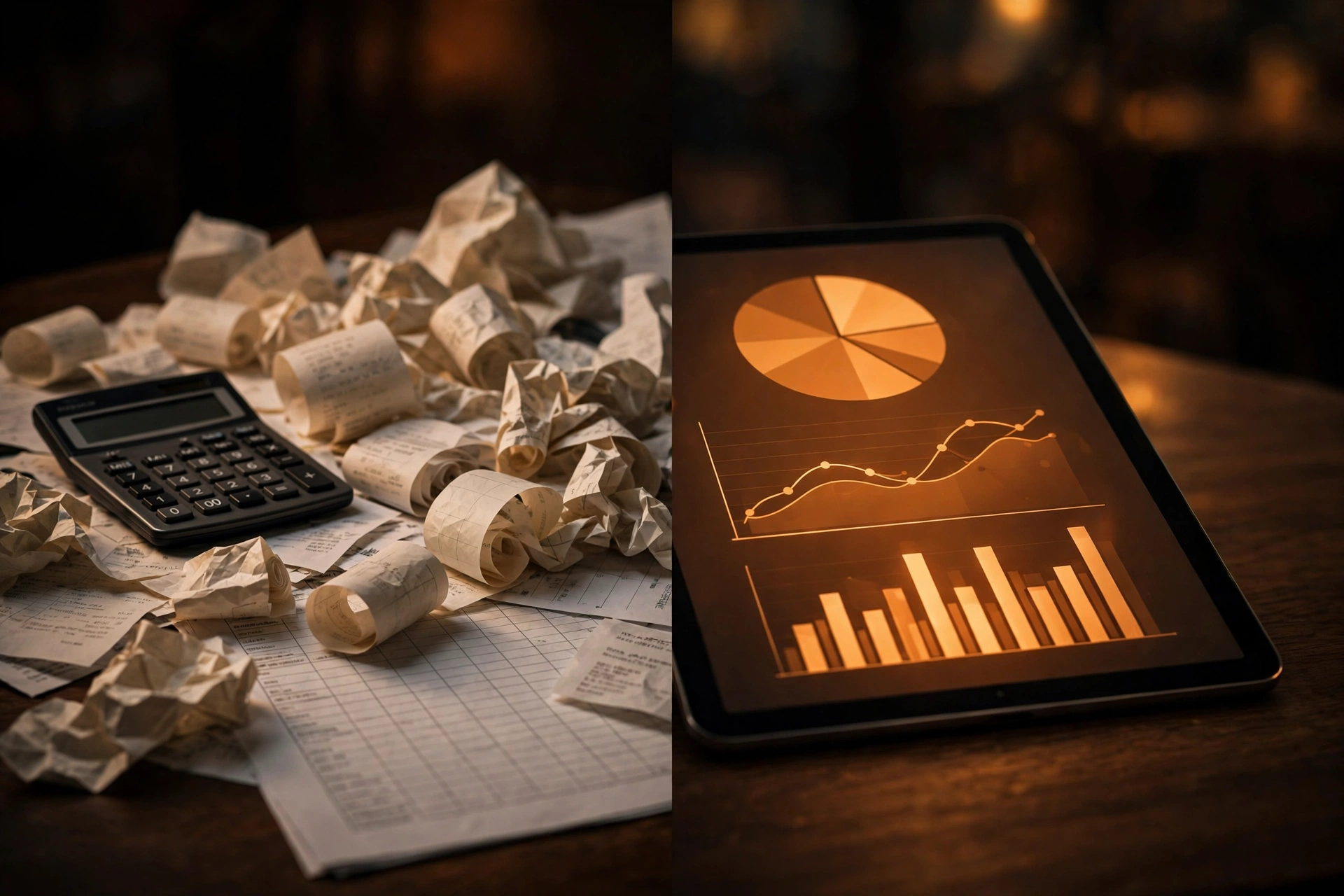
Same Friday night through both systems: one leaves a pile of files to reconcile on Sunday; the other gives answers while the rush is still on.
| Area | Spreadsheets | Restaurant ERP |
|---|---|---|
| Order taking | Totals keyed into a workbook at closing | POS records every item, discount and payment in real time |
| Kitchen communication | Paper tickets, shouted orders, no timing data | KDS routes orders and tracks prep times |
| Stock | Month-end manual counts, no live levels | Ingredients auto-deducted per sale, with reorder alerts |
| Recipe costing | Rough margin guesses | Exact food cost per dish, updated with supplier prices |
| Invoicing and tax | Printed receipts, manual returns | FBR/ZATCA e-invoices with QR codes |
| Delivery aggregators | Manual reconciliation of Foodpanda payouts | Aggregated orders, automatic reconciliation |
| Payroll | Hours in a sheet, cash wages | Shift tracking, overtime, statutory records |
| Theft control | Almost no audit trail | Voids logged per user, cash variance reports |
| Reports | Week-old profit guesses | Live dashboards, branch-by-branch comparison |
Spreadsheets suit one-off analysis; the problem is using them as the system of record for hundreds of daily transactions. See our breakdown of restaurant ERP vs POS, KDS, CDS and Foodpanda aggregation.
Front of house: POS, kitchen displays and customer screens
The counter is where an ERP pays for itself fastest. A connected point of sale records accurately, communicates instantly, and leaves an audit trail — three things a workbook cannot do. Orders flow from the POS straight to the kitchen display system (KDS) with prep timers and priority flags: no lost tickets, no misheard orders. The customer display screen (CDS) shows the running bill as items are added, ending the daily arguments over wrong totals, while discounts apply through the POS with rules attached — so the "manager's friend" discount stops being an open tap.
Back of house: recipe costing, inventory and purchasing
This is where the biggest hidden margin sits. Every menu item gets a recipe card — ingredients, quantities, yield, packaging, even the delivery commission — so when the supplier raises chicken prices, you see exactly which dishes drop below target margin and can adjust the same day. Each sale deducts ingredients automatically: real stock levels at any hour, reorder points before you run out mid-service, and expiry tracking that cuts quiet perishable waste. True food cost per dish is the most valuable feature of a restaurant ERP — and completely absent in an Excel setup.
The compliance gap: FBR, PRA and ZATCA e-invoicing
Spreadsheets cannot issue a fiscal invoice — and in Pakistan and Saudi Arabia that is now a legal exposure, not a minor admin point.
Pakistan: FBR-integrated POS is mandatory for large restaurants
FBR requires Tier-1 retailers — including qualifying restaurants — to integrate their POS with its system so every sale is reported in real time, each invoice carrying an FBR invoice number and QR code. Around 1,152 restaurants with 1,792 branches were already integrated by September 2026 (Business Recorder), with reported penalties in the millions of rupees. A workbook cannot do this; you need FBR/PRA-integrated restaurant POS billing as standard — which is how our restaurant systems for Pakistan are designed.
Saudi Arabia: ZATCA Fatoora Phase 2 is reaching smaller businesses
Under Saudi Arabia's FATOORAH framework, Phase 2 requires businesses to connect invoicing systems to ZATCA's platform — prior clearance for B2B invoices, 24-hour reporting for B2C, and a QR code on every invoice (Taxually). The waves now reach businesses above SAR 187,500 in VAT-able revenue, due by February 2027 — covering plenty of single-branch restaurants. A spreadsheet cannot talk to FATOORAH; an ERP with a compliant invoicing module can. See our Saudi Arabia and UAE pages for regional compliance.
Staff, payroll and delivery — one system instead of three workbooks
Once billing, stock and compliance run through one system, three more Excel files become redundant. Attendance, overtime and leave calculate payroll automatically, and role-based permissions mean a cashier cannot void yesterday's bills — the audit trail Excel can never produce. Aggregator orders like Foodpanda land in the same POS as dine-in, with commissions reconciled automatically; phone and WhatsApp orders join the same queue via a WhatsApp ordering bot (see WhatsApp chatbot costs). And the built-in CRM remembers the Friday regulars, so loyalty offers run themselves.
When Excel still works — and the signs you have outgrown it
Spreadsheets are not the enemy. A single small outlet with one till and the owner on-site daily can run fine on Excel. Watch for these warning signs:
- Closing the day's accounts takes 30+ minutes.
- You do not know this week's real food cost percentage.
- Stock counts and actual shelves disagree by more than a small margin.
- Aggregator payouts take hours to reconcile each week.
- You cannot produce an FBR- or ZATCA-compliant invoice on demand.
- You have opened, or plan to open, a second branch.
If two or more are true, the spreadsheet is costing you money, not saving it. The sensible move is a system built for restaurants from the ground up, such as our eRestaurant ERP, extended with AI automation for repetitive back-office work (see AI agents for small business automation and workflow automation tools). For anything off-the-shelf cannot do, custom software development or a Flutter app fills the gap — start on our contact page.
Frequently asked questions
Can a restaurant run on Excel alone?
Yes — for a very small single outlet with the owner present daily. But Excel cannot give you live stock, recipe costing, audit trails or fiscal-compliant e-invoicing, so the hidden costs grow with the business.
What is the difference between a POS and a restaurant ERP?
A POS handles counter billing. A restaurant ERP connects it with kitchen displays, inventory, recipe costing, payroll, accounts, loyalty and delivery aggregation. See our restaurant ERP vs POS, KDS, CDS and Foodpanda comparison.
How does an ERP help with FBR and ZATCA compliance?
An ERP with fiscal integration issues compliant e-invoices automatically — FBR invoice numbers and QR codes in Pakistan, ZATCA Fatoora-compliant invoices in Saudi Arabia — instead of leaving compliance to manual returns from a spreadsheet.
How much does switching from Excel to a restaurant ERP cost?
Costs vary by branches, modules and hardware. A typical estimate is that the monthly subscription costs less than what a mid-size outlet already loses to stock leakage and manual admin — but measure your food-cost variance first to judge it honestly.