ChatGPT Images 2.6: Animated GIFs and Brand-True Images for Your Business

Amir Farid
7 min read
OpenAI rolled out ChatGPT Images 2.6 globally on 4 November 2026. For a business, the headline is simple: your images can now move, and your brand can finally stay the same from one image to the next. The update adds native animated GIF creation — from a prompt or an uploaded image, with adjustable speed and editable frames — and reusable reference images, so a product, mascot or character stays consistent across a campaign. It is live in ChatGPT on web, desktop and mobile, all tiers, and in Codex.
OpenAI says users now generate more than 4 billion images a week. Two new API models arrive with it: GPT-Image-2.6 Flare for speed and GPT-Image-2.6 Sunburst for quality, edit consistency and SVG output. Here is what it means for your business, and how to pilot it safely.
ChatGPT Images 2.6: Animated GIFs and Brand-True Images for Your Business
What Images 2.6 actually adds
Three things matter. First, animated GIFs: ChatGPT can turn a prompt or an image into a short loop, adjust the speed, edit individual frames, and share it on repeat. Second, reference images: save a reference once — a person, a pet, a mascot, a product — and reuse it without uploading it again. Third, speed and precision in the API: OpenAI says the new models generate images 50% faster, and Images 2.6 brings ChatGPT's image markup to the API, so teams can mark precise areas for changes.
The 50% figure is OpenAI's claim, not an independent benchmark. Its own Flare benchmark shows generation falling from 7.08 seconds with Images 2.5 to 4.84 seconds with Images 2.6 — a real improvement, but narrower than the headline. Faster generation matters most at volume: a week of ad variants or a month of social content.
Animated GIFs: where motion earns its keep
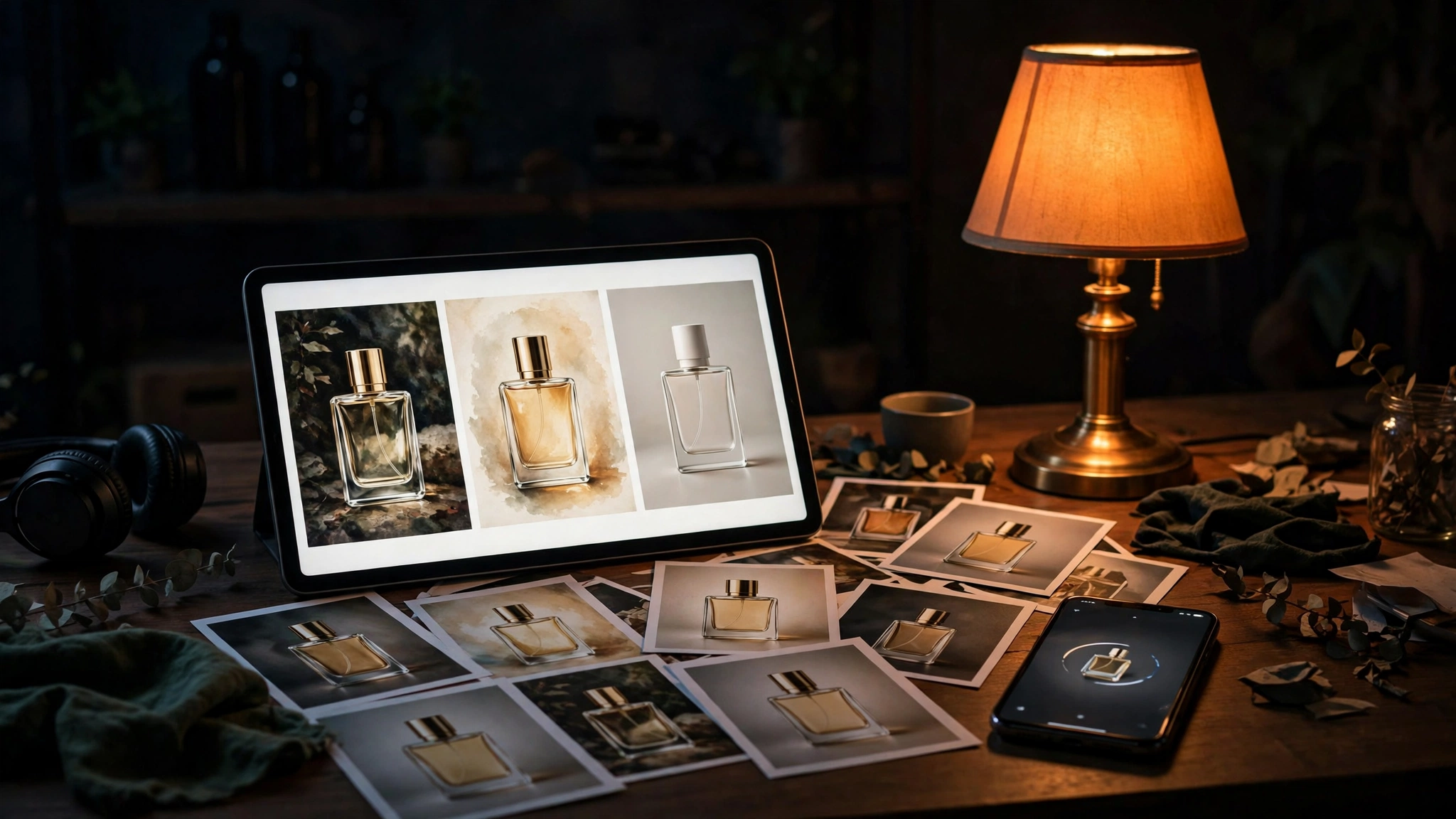
A GIF is not a video, and that is its strength. It loops silently, loads quickly, plays without a tap, and works where video does not: WhatsApp, email, ad placements, and product pages.
Four places a GIF beats a still image
- WhatsApp and email: a looping product demo catches the eye in a crowded inbox — and our WhatsApp bot development work shows how much of the sale happens inside a chat window.
- Paid social ads: a short loop — a dish being plated, a garment turning — stops the scroll better than a static shot, at a fraction of a video shoot's cost.
- Product pages: a GIF showing a product in use answers the question a still photo cannot: how does this actually work?
- Customer replies: a branded mascot GIF in support replies turns service into marketing, and fits naturally with chatbot development.
Keep the loop short and the message obvious in the first second.
Reference images: brand consistency at last
The reference-image feature is the quieter change, and for most businesses the more valuable one. Until now, every new image started from scratch: re-upload the product photo, re-describe the mascot, and hope the model remembered your logo. Now you save a reference once and reuse it, so the same character, product or brand element stays recognisably the same.
That solves a problem every marketing team knows: the tenth social post in a campaign looks nothing like the first. Consistency turns generated images into a brand asset instead of a pile of one-offs.
Be realistic: reference anchoring improves consistency; it does not guarantee it. Anything that must match brand guidelines exactly — a logo, a pack shot, a regulated claim — still needs a human check before it goes live.
Product shots and ad creatives: a practical workflow
With a catalogue, the workflow is simple: one good reference photo per product, saved once, then prompts that produce the variations — lifestyle shots, seasonal backgrounds, social crops, a GIF for campaigns. The model does the volume work; your team does the direction and the final check.
That suits ecommerce well: a month of social creatives from a handful of reference shots, no new photoshoot each season. It pairs with ecommerce development and digital marketing.
A workflow that actually works
- Build a reference library first: clean, well-lit product shots, saved before you generate anything.
- One prompt template per use case: same structure and style words — only the product and message change.
- Generate in batches, review in batches: keep the best two of every ten.
- Human sign-off before publish: check hands, text, logos and prices on every image.
Restaurants get a concrete version: a dish photographed once, then GIFs of it being served for WhatsApp broadcasts — the kind of creative our restaurant ERP customers need.
Flare vs Sunburst: ChatGPT or the API?
Most businesses should start in ChatGPT itself: the GIF and reference-image features are available across all tiers, with no code and no integration work. The API is for the second stage, when generation becomes part of a system rather than a task a person does.
The two API models split the job. Flare is the fast one — OpenAI says images in as little as six seconds — suited to high-volume, latency-sensitive work. Sunburst is the quality one, for higher-quality output, edit consistency and SVG export. Sunburst is for assets you will reuse; Flare is for assets you will generate many of.
That maps to how we build: AI agent development and AI automation for the workflow around the images, custom software development when generation lives inside your own platform.
On cost, check OpenAI's own pricing page first — the announcement carries no price sheet, and per-token pricing changes fast.
Where it still needs a human
Images 2.6 is better at consistency, but it is not a designer, a photographer or a lawyer. Four failure modes still need a human in the loop: hands, faces and small text still garble — and a GIF makes the error move; logos can be approximated, but an approximation on a customer-facing asset is a brand risk; prices or discounts rendered inside an image are easy to generate wrong and hard to spot; and reference images of real people raise consent and privacy questions a prompt cannot answer.
The rule is simple: the model drafts, a person approves. That is the same discipline behind getting cited by ChatGPT and choosing between a chatbot and an AI agent. Keep a short checklist next to the generator: logo correct, text spelled right, price correct, no other brand's marks, no unapproved face. Five checks, thirty seconds.
A 30-day pilot plan that does not bet the business
Do not rebuild your creative process around Images 2.6 in week one. Run a contained pilot: one channel, one product line, one month, and a clear measure of success. Decide in advance what "good" looks like.
A practical four-step pilot
- Pick one campaign: a WhatsApp broadcast, a week of social ads, or a product-page refresh — with a baseline you already measure.
- Build the reference library: ten clean reference shots of the products and brand elements in that campaign.
- Generate, review, publish, measure: a human checks every image, then compare results against your previous creative.
- Decide on evidence: if the GIFs beat static images and the review burden is manageable, expand to a second channel.
That discipline works in any of our core markets — United Kingdom, UAE, Saudi Arabia, Pakistan, and USA. If you want help scoping a pilot, see our contact page.
Frequently asked questions
What is ChatGPT Images 2.6?
OpenAI's updated image generation model, rolled out on 4 November 2026 in ChatGPT and Codex, all tiers, and in the API as Flare and Sunburst. It adds GIF creation and reusable reference images — see OpenAI's announcement.
Can I make animated GIFs in ChatGPT now?
Yes — turn a prompt or an image into an animated GIF, adjust the speed, edit frames, and share it on repeat. GIFs suit WhatsApp, email and social ads.
What is the difference between Flare and Sunburst?
Flare is the fast API model — OpenAI says images in as little as six seconds. Sunburst is the quality model, for better output, edit consistency and SVG export.
Will reference images keep my brand consistent?
They improve consistency, but do not guarantee it. Anything that must match brand guidelines exactly still needs a human check.
How much does Images 2.6 cost?
ChatGPT access depends on your plan and usage caps. For API use, check OpenAI's own pricing page first.