Gemini Now Edits Documents Inside the Chat: A Business Guide

Amir Farid
7 min read
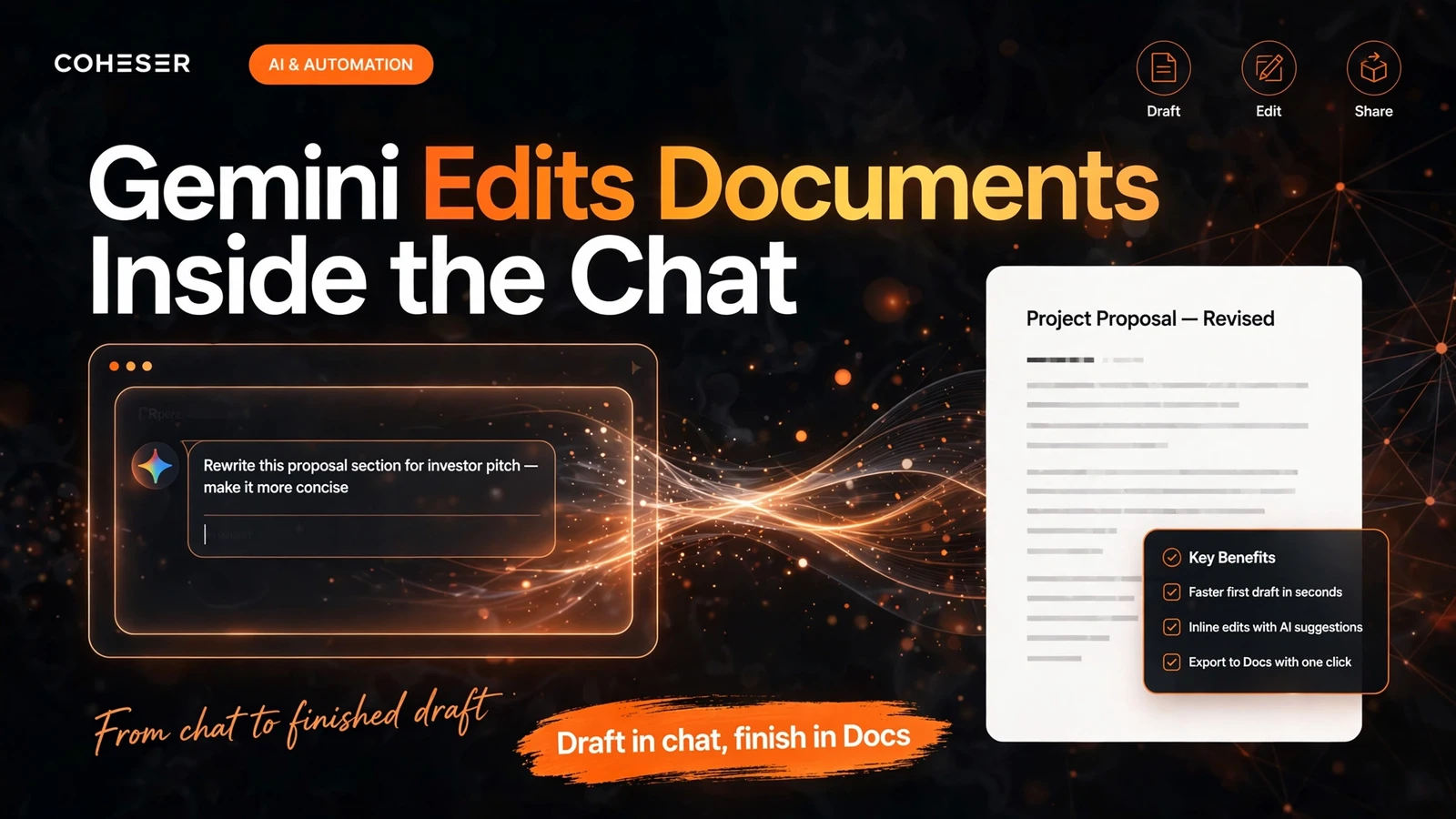
Google Gemini now lets you create, preview and edit files directly inside the chat. Announced on 29 October 2026, the update means you can generate a document, PDF, presentation, spreadsheet, code file, Markdown file or text file, open a preview without leaving the conversation, expand it to full screen and type your edits in place. You can also highlight a passage and ask Gemini a question about it, ask it to refine a section, or ask for a chart from a table. There is no need to download a file, open another app and start again just to fix a paragraph.
For a business, the point is simple: the chat thread becomes the first draft of office work. A quote, proposal, report or spreadsheet can start in Gemini and take shape there. But anything contractual, financial or client-facing still needs the full app's versioning, comments and sharing controls before it goes out. Draft in chat, verify the numbers, finish in Docs or Sheets.
Gemini Now Edits Documents Inside the Chat: A Business Guide
What has actually changed
Gemini could already generate files: since April 2026, you could prompt it and receive a downloadable file. The October update closes the loop — the file stays in the conversation, where you can see it, change it and ask about it. That matters because most time on a document is spent on the second, third and fourth pass, not the first draft.
Google's demo built a PDF study guide from photos of handwritten lecture notes, then edited it inside the chat. The same pattern transfers to business use: rough notes become a proposal, a brief becomes a report, a table becomes a spreadsheet with a chart.
Why this is becoming the standard
This change also catches Gemini up with Claude's in-chat document editing from earlier in 2026. Editing inside the chat is becoming the expected standard. If you are weighing AI chatbots versus AI agents, note the dividing line: a chatbot answers, while an agent-like workflow produces something you can revise and send on.
What you can create and edit in the chat

The range is broad. According to the October coverage, in-chat creation and editing covers documents, PDFs, presentations, spreadsheets, code, Markdown and text files. One thread can plausibly produce a client proposal, the spreadsheet behind its pricing, and the summary that accompanies it.
One limit to plan around: one file per request, as described in April, and the October update does not say that has changed.
How editing works in practice
Generate a file, preview it in place, expand it to full screen, and type edits directly into it. There is no export-import round trip for a small change.
Three editing moves worth learning
- Type directly. Expand the preview and edit the text yourself. Use this for facts, names, figures and tone — the things only you know are right.
- Highlight and ask. Highlight a passage and ask Gemini a question about it, or ask it to refine that section. Use this for tightening and clarifying, not for inventing facts.
- Ask for a chart from a table. If the file contains a table, ask Gemini to chart it, turning figures into something a client or manager can read at a glance — provided you have checked the figures first.
The discipline is the same as with any AI draft: Gemini can improve wording, but it cannot verify your prices, commitments or client details. Read every number before it leaves your screen.
Web versus mobile: the platform split to plan around
Not every format works everywhere yet. PDF preview and editing work on both web and mobile; all other formats — Docs, Sheets, slides, Markdown, text and code — are web-only for now. A phone is currently a PDF-only editing device for this feature, so do not promise a client a revised spreadsheet from a phone. Google has not said when that will happen.
Availability is otherwise broad: all Gemini users, in all languages where the app ships, with no paid tier called out. That contrasts with March 2026, when Gemini inside Docs, Sheets and Slides was restricted to AI Pro and Ultra subscribers. In-chat editing is a separate surface.
What it cannot do yet — and why that matters
The reported limits draw the line between a draft and a finished, shareable document:
- No comments, @mentions or resolve workflow in the chat preview, so you cannot run a proper review cycle there.
- No version history. Edits overwrite the file, so a bad edit can lose good wording. Keep your own copies of important versions.
- No native sharing from the chat preview. Real collaboration still happens after you open the file in Docs, Sheets or Slides.
- Open questions. Google has not said whether chat-created files land in Drive with normal versioning, or when web-only formats reach mobile.
Put plainly, the chat preview is a drafting room, not a document management system. Reach a good draft fast, then move it into the full app for review, versioning and sharing.
Chat draft versus finished document
- Draft in chat: first versions, restructuring, summaries, charts from tables, quick rewrites.
- Finish in the full app: contracts, financial figures, client proposals, anything needing comments, approval or controlled sharing.
A safe business workflow: draft in chat, finish in Docs
A workflow any small or mid-sized business can adopt this week:
- Start with a tight brief. Give Gemini the audience, purpose and facts it must use. Vague briefs produce filler; specific briefs produce usable drafts.
- Generate one file per request. A proposal, a price table or a report — one deliverable at a time.
- Edit in place. Fix facts and figures by typing directly; use highlight-and-refine only for wording and structure.
- Verify every number. Check prices, dates, names and totals against your own records before the file moves anywhere.
- Save a copy before major edits. With no version history in the chat preview, keep a snapshot of any version you would regret losing.
- Move to Docs or Sheets for review. Open the file in the full app for comments, versioning and sharing, and only then send it to a client.
What this means for your own products and services
If you sell services, this feature changes what clients expect from a first draft. A proposal that took a day can now take an hour to draft, so value moves from typing to judgement: scoping correctly, pricing honestly, and checking details. Businesses that sell expertise and delivery will benefit; those charging mainly for document production will feel the squeeze.
There is also a product lesson: customers increasingly expect AI tools to hand back something editable, not just an answer in a chat bubble. Whether the build is custom software development, SaaS development, a CRM system or an ecommerce platform, ask early where the user takes the AI's output next, and whether they can edit it there. Coheser builds AI agents around exactly that question, for clients in the United Kingdom, the USA, the UAE and Pakistan, including our AI calling agent and restaurant ERP. If you would like help turning that pattern into a working system, talk to Coheser, or read our Gemini 4 Argon pricing coverage and Gemini 4 Carbon for cybersecurity.
Frequently asked questions
Can Gemini edit documents inside the chat?
Yes. Since 29 October 2026, Gemini users can generate, preview and edit documents, PDFs, presentations, spreadsheets, code, Markdown and text files directly inside the chat.
Does Gemini document editing work on mobile?
Only for PDFs. PDF preview and editing work on web and mobile, but all other formats — Docs, Sheets, slides, Markdown, text and code — are web-only for now, and Google has not said when they will reach mobile.
Can I collaborate on a file inside the Gemini chat?
Not properly, yet. The chat preview has no comments, @mentions or resolve workflow, no version history, and no native sharing. Open the file in Docs, Sheets or Slides for real collaboration.
Do I need a paid Gemini subscription to edit files in chat?
No paid tier has been called out. It is available to all Gemini users in all languages where the app ships — separate from the March 2026 restriction of Gemini inside Docs, Sheets and Slides to AI Pro and Ultra subscribers.
Launch coverage: Android Police and Unite.AI.